flashcards, quizzes and practice exams, built for the Cicerone exams
The Study Lab is our own study app. It holds every flashcard deck, quiz and full-length practice exam from the Beer Scholar courses, keeps track of what you know, and works on your phone, tablet or laptop.
Spaced repetition that actually sticks
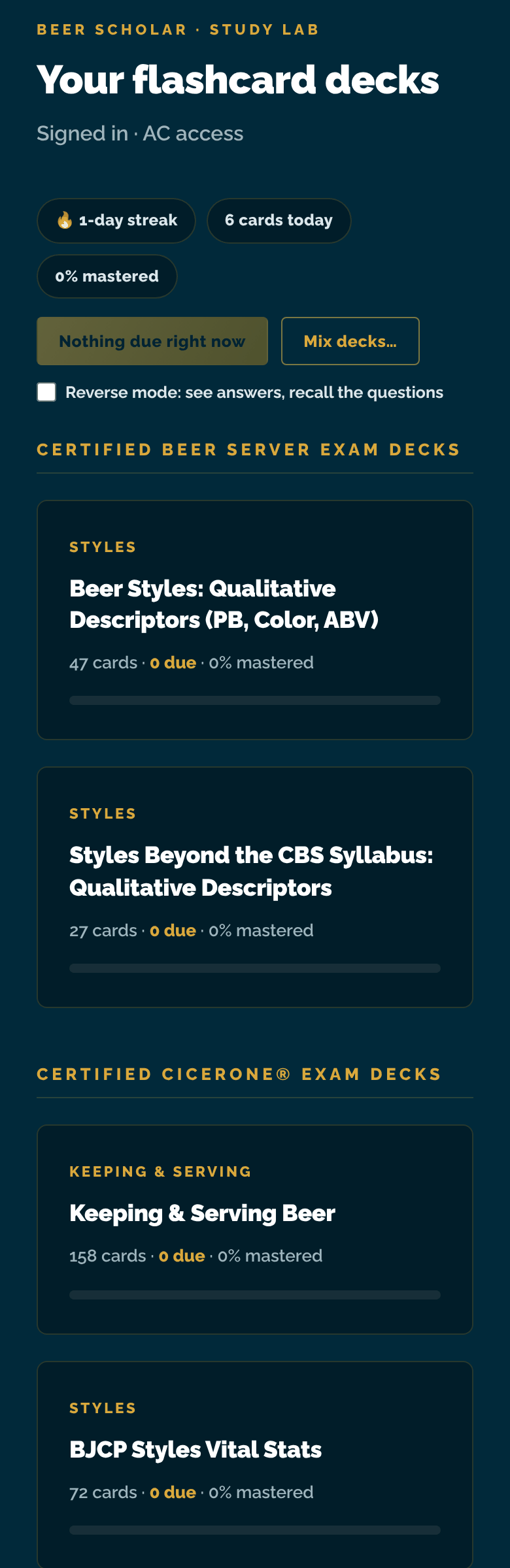
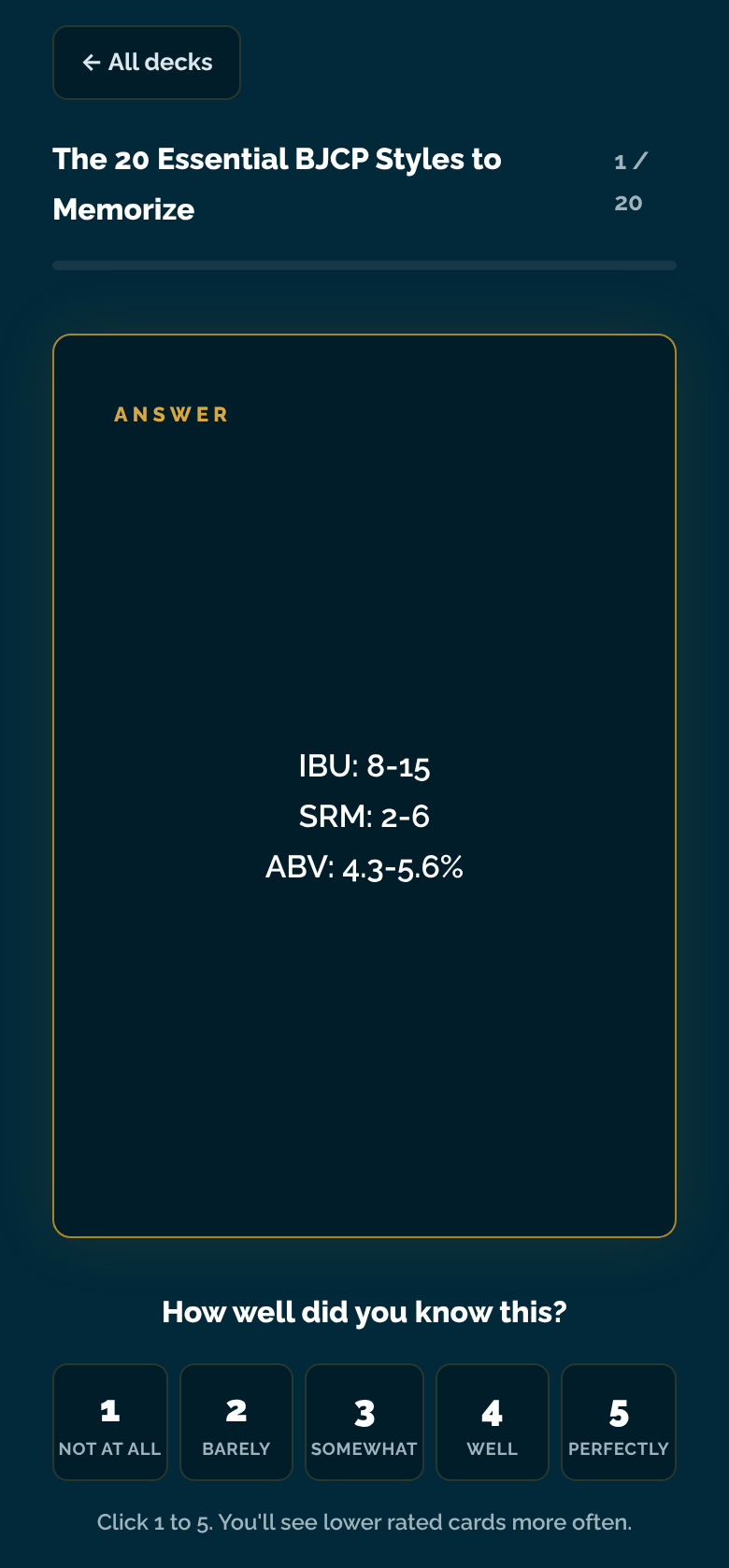
Every card gets a 1 to 5 confidence rating from you. Cards you rate low come back sooner, cards you know well drift out of the rotation, and the app tells you what is due each day. Decks cover every syllabus section, from draft systems and off-flavors to BJCP vital stats and food pairing, and there is a reverse mode for when you can recite the answers but not the questions.
Section quizzes and full practice exams
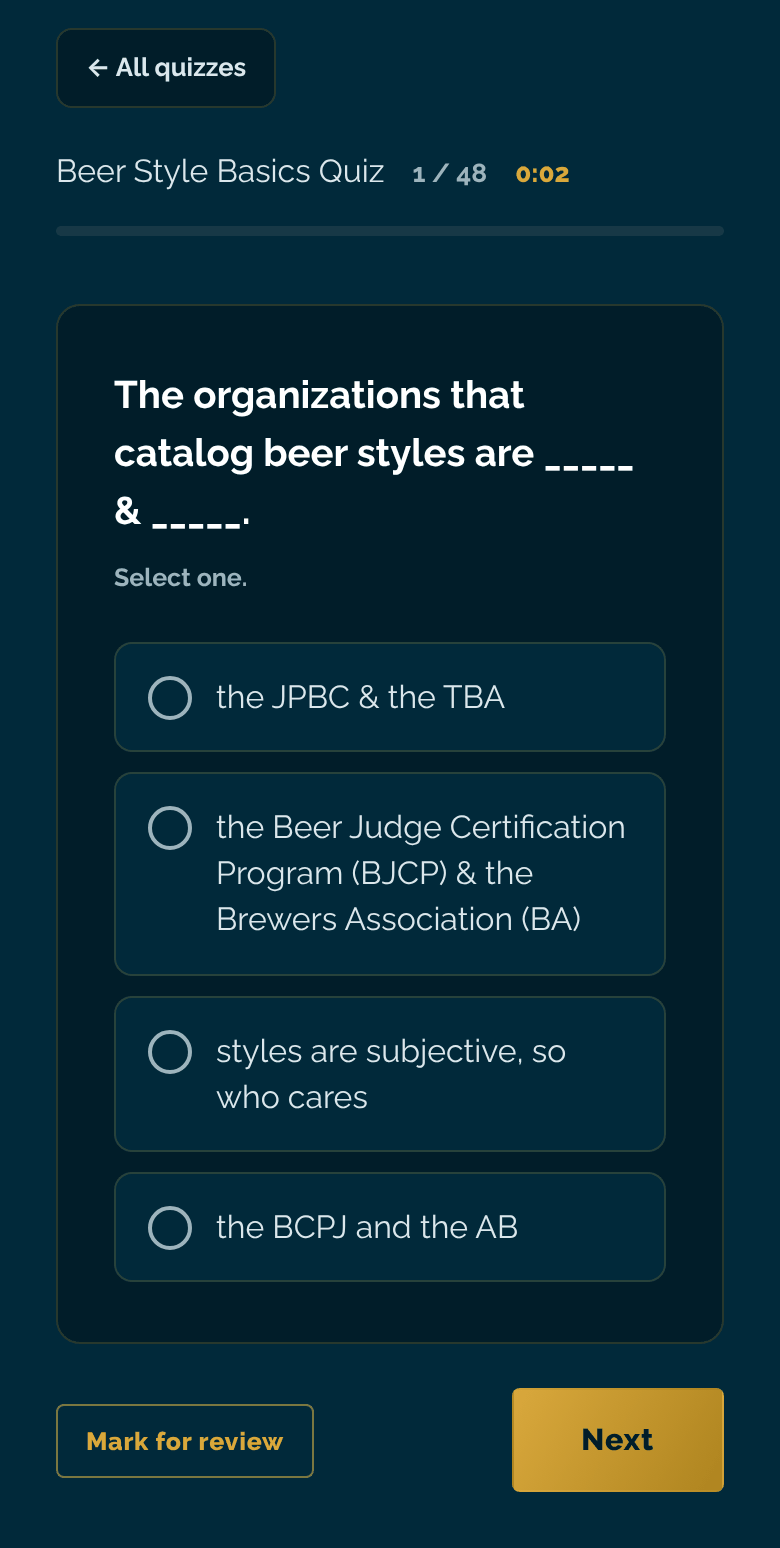
Short quizzes after each topic check that the lessons landed. Full-length practice exams run on a timer with a question grid, a mark-for-review flag and a score at the end, so the real exam holds no surprises. Advanced Cicerone students get practice written exams built on the AC syllabus sections.
Phone, tablet or laptop, in sync
Your progress lives in your account, not on one device, so 20 minutes of flashcards on the bus count toward the same streak as a practice exam on your laptop that night. Dark Stout mode by default, light Pilsner mode if you prefer it. Spanish-language decks are included for the Certified Cicerone exam.
Three steps, no password
- Enroll in a Beer Scholar course. Pick your exam level, Certified Beer Server, Certified Cicerone® or Advanced Cicerone®, and join through our community on Skool. Study Lab access is switched on automatically for the length of your course.
- Open studylab.thebeerscholar.com and enter the email you used on Skool. The Study Lab emails you a sign-in link. There is no password to remember, and once you are in you stay signed in on that device.
- Study. Work through what is due each day, use Mix decks when the due pile is empty, run a practice exam when you want a reality check, and keep the streak going. Your video lessons, the community and the weekly live tastings are in Skool. Everything you drill is here.
Get free study resources
Join the mailing list and we'll send you free resources including a CBS & CC study guide, occasional discount deals on our courses, and the monthly Beer Scholar Six Pack newsletter.